10 Best SD Cards for Nintendo Switch 2024 | UK Gaming Blogger Reviewed
Whether you own the Switch, Switch Lite or even the new OLED model, the console’s storage capabilities are, to say the least, lacking. For all but the most occasional gamers, it’s not long before you realise you’ve run out of storage space. Fortunately, it’s incredibly easy to insert an SD card and double, triple, or even quadruple your Switch’s memory for an affordable price.
The hard part is choosing between the available cards, whose specifications can make even the most avid techie’s head spin. Luckily, we’re here to help. Our picks are all easily ordered from online stores such as Amazon and Argos, so you can get back to saving Hyrule as soon as possible. Moreover, we have partnered with video game blogger Benjamin Titmus for reviewing and fact-checking the article so that we can deliver you the best information.

Benjamin is a writer of fiction and occasional video-game reviewer. He gained his MA in English Literature from Birmingham City University, where he was the editor for The Student Anthology. Though his main enjoyments are reading, writing, music and gaming, he has time for anything that tickles his fancy.

A recommendation service that carefully researches each product and consults with experts across many disciplines. We are constantly creating new content to provide the best shopping experience from choosing ‘cosmetics’ to ‘food and drink’, ‘home appliances’ to ‘kids and baby’ products, reaching users all across the United Kingdom.
The expert oversees the Buying Guide only, and does not determine the products and services featured.
Fact-Checked & Approved by Video Game Blogger Benjamin Titmus

Benjamin is a writer of fiction and occasional video-game reviewer. He gained his MA in English Literature from Birmingham City University, where he was the editor for The Student Anthology. Though his main enjoyments are reading, writing, music and gaming, he has time for anything that tickles his fancy. Learn more about him and his blogs from here.
How to Choose an SD Card for Nintendo Switch in the UK
- Begin by Ensuring the SD Card Is Nintendo Switch Compatible
- Consider Your Gaming Habits, and Choose a Card With Enough Space
- Pick a Card With a Higher Transfer Speed and Enjoy Faster Loading Times
First, Check the SD Card Is Compatible With Your Nintendo Switch
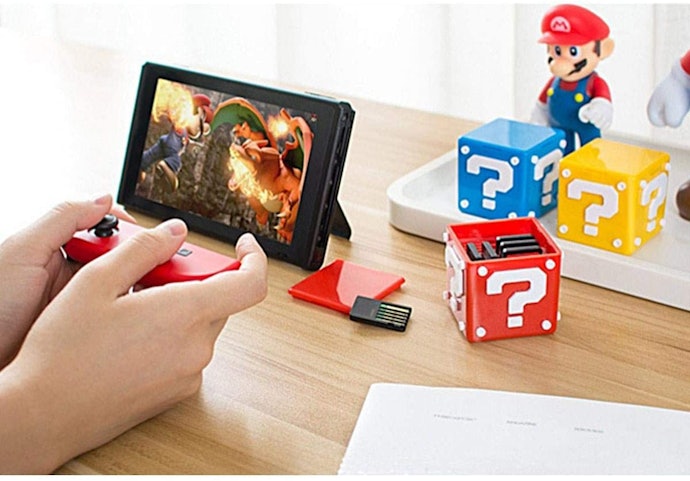
Naturally, it makes sense to check whether an SD card is compatible with your Nintendo Switch. Nintendo recommend any microSD (below 2 GB), microSDHC (4 GB-32 GB), or microSDXC (64 GB and above).
You should probably steer clear of microSD cards that aren’t HC or SDXC, though, as their small size makes them pretty useless for gaming. Nintendo also warns that a system update will be required before you can use microSDXC cards with bigger memory.
Nintendo also advises that you use an SD card that is at least UHS-1 compatible and has transfer speeds of no less than 60-95 MB per second. These terms might sound confusing at first, but we’ll explain more later, and rest assured that all the SD cards we recommend adhere to these recommendations.
Buy a Card With Enough Storage for Your Gaming Needs

Digital Game Downloaders Are Best With Larger 126 or 256 GB Capacity Cards
If you prefer to download your games from the Nintendo eShop (or you'd like to start), you probably already know the advantages – you’ll get your game almost instantly and it’ll take up no physical space in your house – but you will need to find space to store it digitally.
Games can be deleted and re-downloaded at a later date, but with some games taking up nearly 15 GB (that’s nearly half of the Switch’s entire onboard memory!), it helps to consider how many downloaded titles you’d like to have stored on your Switch at any one time.
We recommend no less than 64 GB for all but the most casual gamers, but digital downloaders will definitely want to consider larger sizes in the realm of 128 GB or even 256 GB+, appropriate to their gaming habits, of course.
Prefer Physical Games? You'll Still Need 64 GB+ for Updates and Screenshots
While they might not need as much space as downloaders, physical buyers aren’t exempt either. Memory is needed for mandatory downloads, as well as storing in-game screenshots and saving files.
Now that Nintendo has made it much easier to transfer your screenshots to different devices, you’re likely to be taking, and sharing, more gaming memories, and you’ll need the space to accommodate this.
As previously noted, 64 GB is the minimum you'd want to go for as an average Switch gamer, though it won't hurt to go higher even if you do only buy physical games. The great thing is with SD cards: sometimes, there’s very little difference in price between larger and smaller cards, especially when there’s a sale on.
Looking for games that all the family can enjoy? Check out the Best Nintendo Switch Games for Kids!
Consider Extra Large 500 MB or 1 TB Cards for Use With Other Devices
SD cards are incredibly versatile pieces of kit and can expand the memory of everything from tablets to cameras to drones. Some may find it a nuisance to keep transferring their card from one device to another, but if you’d like the convenience of being able to store all your data in one place, you may benefit from choosing an SD card with extra-large storage - over 500 GB, or even up to 1 terabyte (TB).
You can slide a microSD card straight into a Nintendo Switch without any fuss, but other devices have larger slots designed for standard-sized SD cards. To use your microSD card in these devices, you’ll need an SD adapter.
SD adapters are plastic squares into which you can slide your microSD card. They’re about 5 cm long – the same as a standard-sized SD card – and enable you to use your card with larger-slotted devices such as a PC or laptop. Fortunately, most microSD cards come with adapters included, but it’s always worth checking before you buy.
Get Quicker Loading With a Fast Transfer Speed of 95MB/Sec and at Least UHS-I Compatibility

We mentioned earlier that Nintendo recommends using an SD card with no less than a 95MB/sec (MBps) transfer speed, and at least UHS-I compatibility. Both terms describe the speed at which an SD card can transfer data from one place to another (in this case, your Nintendo Switch).
Luckily, it’s pretty easy to decipher an SD card’s transfer speed. It’ll always be written on the packaging or in the online description, and much of the time the UHS rating will be featured on the card itself – simply look for a ‘1’, ‘2’, or ‘3’ enclosed inside what looks like a ‘U’.
Whether you should seek higher speeds is up to you. You won’t see a noticeable difference when viewing photos and videos, and the difference in game loading times is only a matter of seconds. For the hardcore, however, those few seconds can be crucial, so if you’re someone who looks to get the best out of their technology, a higher transfer speed is something you’ll want to consider.
10 Best SD Cards for the Nintendo Switch
| Products | Image | Click to purchase | Popularity | |
|---|---|---|---|---|
1 | Extreme Pro MicroSDXC Card|128 GB SanDisk |  | No.1 | |
2 | MicroSDXC for Nintendo Switch|128 GB SanDisk |  | No.2 | |
3 | Ultima Pro MicroSDXC Memory Card|256 GB Integral |  | No.3 | |
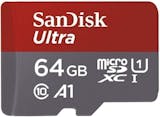
4 | Ultra MicroSDXC Card|64 GB SanDisk |  | No.4 | |
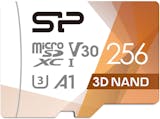
5 | Superior Pro microSDXC Card|256 GB Silicon Power |  | No.5 | |
6 | Ultra microSDXC Card|400 GB SanDisk |  | No.6 | |
7 | Extreme 1TB MicroSDXC Card|1 TB SanDisk |  | No.7 | |
8 | EVO Plus MicroSDXC Card|256 GB Samsung |  | No.8 | |
9 | Canvas Select Plus Memory Card|64 GB Kingston |  | No.9 | |
10 | Extreme Pro Micro SDXC Card|64 GB SanDisk |  | No.10 |

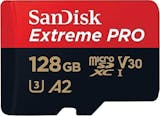
SanDiskExtreme Pro MicroSDXC Card | 128 GB
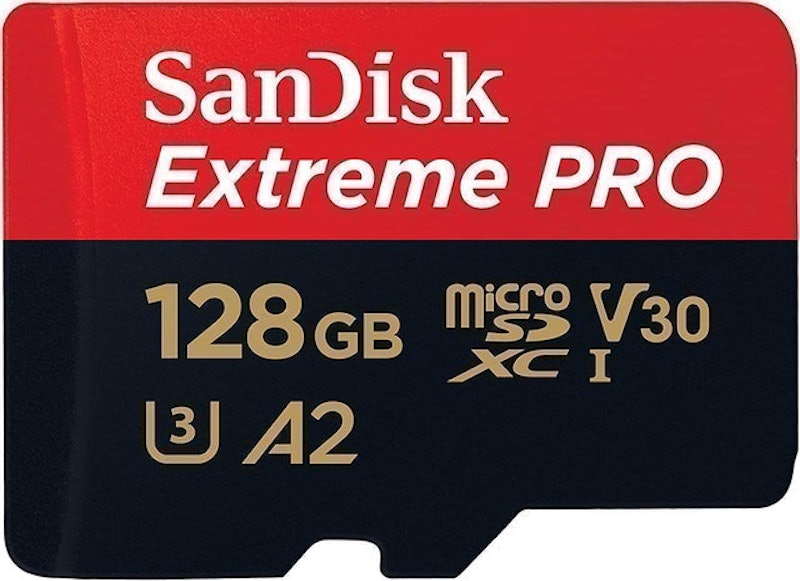
Pound for pound, you're paying slightly more per gigabyte for the SanDisk Extreme Pro, but wow, look at that read speed! At 170 mb p/s, this is the fastest micro SD card on this list. This card's speed is particularly impressive when you consider that such speeds are usually only offered by the pricier higher-memory cards.
The Extreme Pro is perfect for those that want to reduce loading times and ensure that they can game in the quickest time possible. On top of that, you get a considerable amount of memory. A truly incredible storage solution!
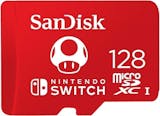
SanDiskMicroSDXC for Nintendo Switch | 128 GB
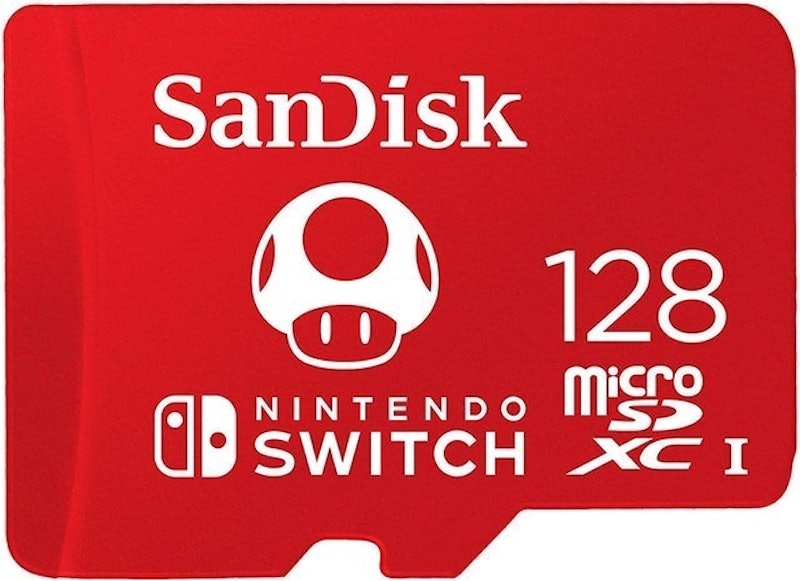
As a microSD card, there's not too much that sets this one apart from its competitors. SanDisk is a reputable brand, 128 GB is a decent amount of memory, and its 100mb p/s reading speeds hold their own against competitors. This is also the only card that doesn't come with an adapter, but that's because it's designed specifically for the Nintendo Switch.
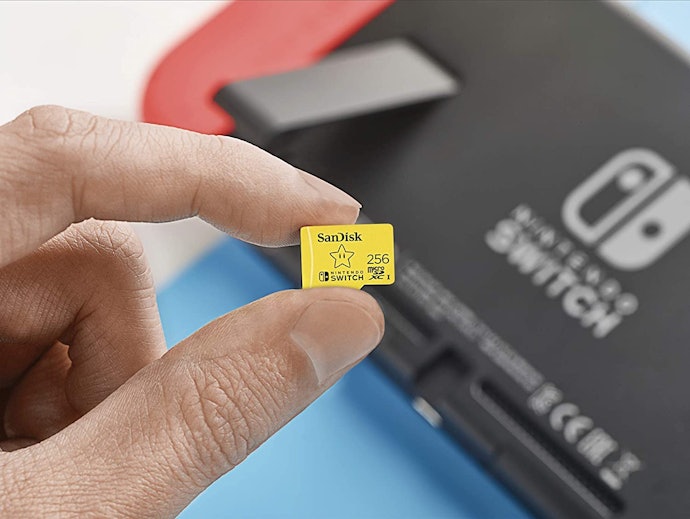
The huge perk of this official licensing is that the card comes stamped with the Switch logo, and cool little icons taken from some of Nintendo's flagship games: Mario, Zelda and Animal Crossing. You won't see them when inserted into your Switch but, for some, this is enough of an incentive to make this the best microSD card money can buy.
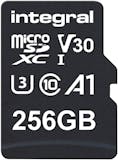
IntegralUltima Pro MicroSDXC Memory Card | 256 GB
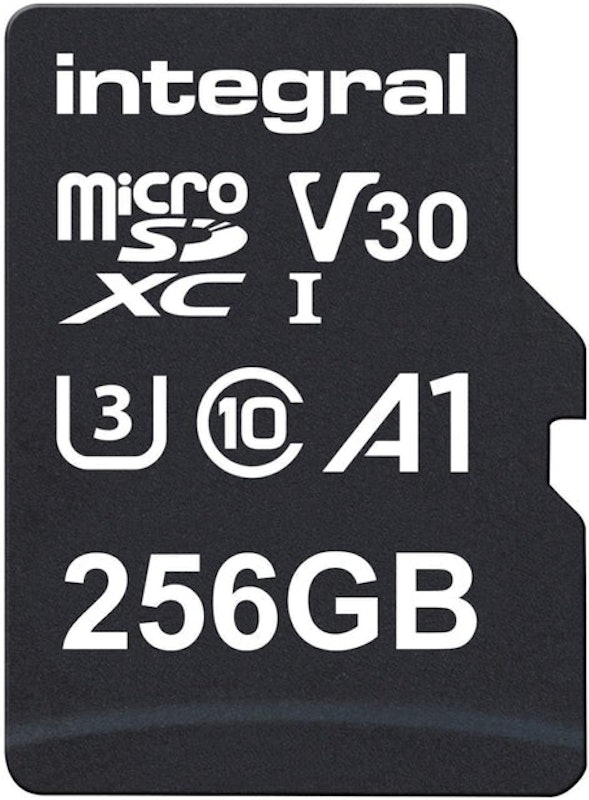
Integral's Ultima Pro is a solid choice. Its 100mb p/s is enough to confidently handle the day-to-day loading of Switch games and photos, and its 5-year guarantee is nothing to be scoffed at.
What sets this card apart, however, is how much memory you get for every pound you spend – this is a remarkable price for 256 GB of memory. Pound for pound, the Ultima Pro is one the best value microSD cards on the market.
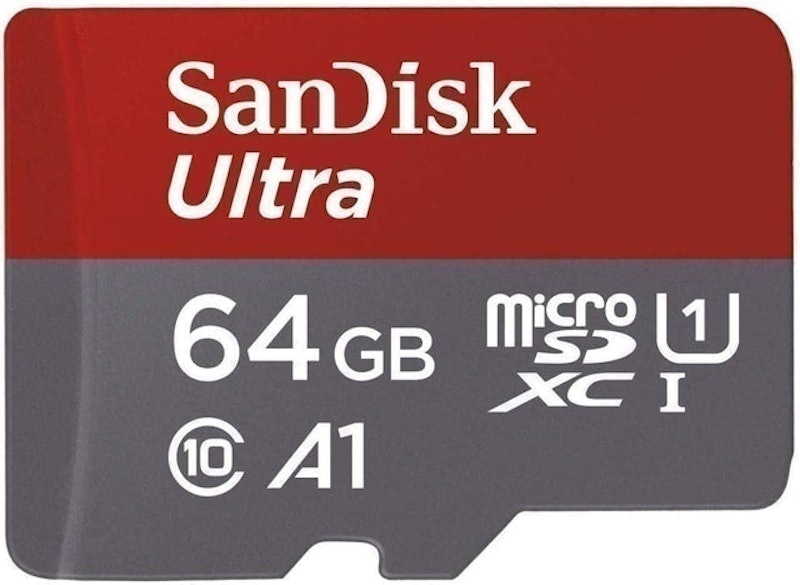
This card is perfect for those who know they need to expand their Switch's memory, but aren't quite sure how much extra they really need. At 64 GB, this card just meets our recommended minimum, so it may be better suited to gamers who use physical cartridges.
However, for such a low price, the SanDisk Ultra is a great place to test how much memory you'll eventually require. You'll also get a lifetime warranty with one of the world's best known makers of microSD cards and, as a nice little bonus, reading speeds that are a fair bit better than the average.
Silicon PowerSuperior Pro microSDXC Card | 256 GB
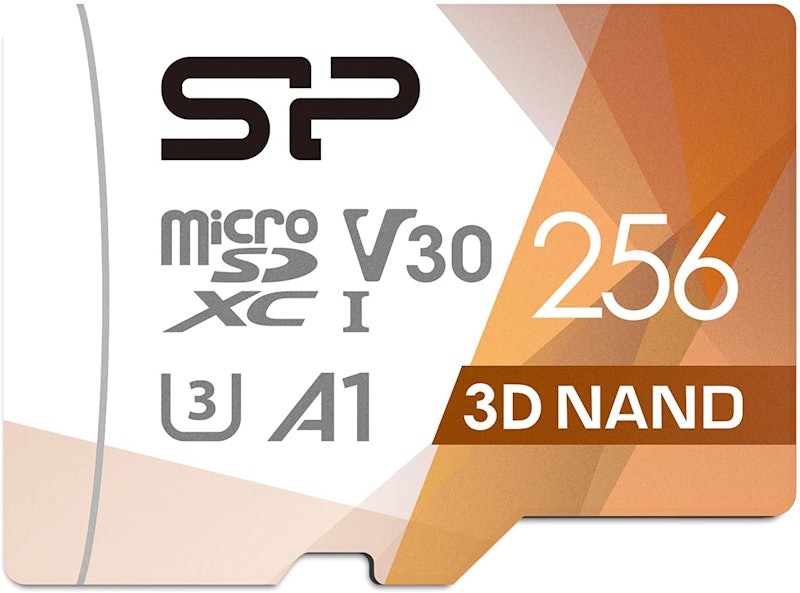
256 GB is an impressive amount of storage – enough to store 56 hours of video – and at around £30 this card is one of the most affordable larger-memory cards available.
It's also speedy – its 100mb p/s read speed is nothing to shout about, but its UHS-III class means it's able to maintain these speeds more steadily than lower-rated cards. This makes it an ideal choice for those hoping for faster loading times whilst gaming.
SanDiskUltra microSDXC Card | 400 GB
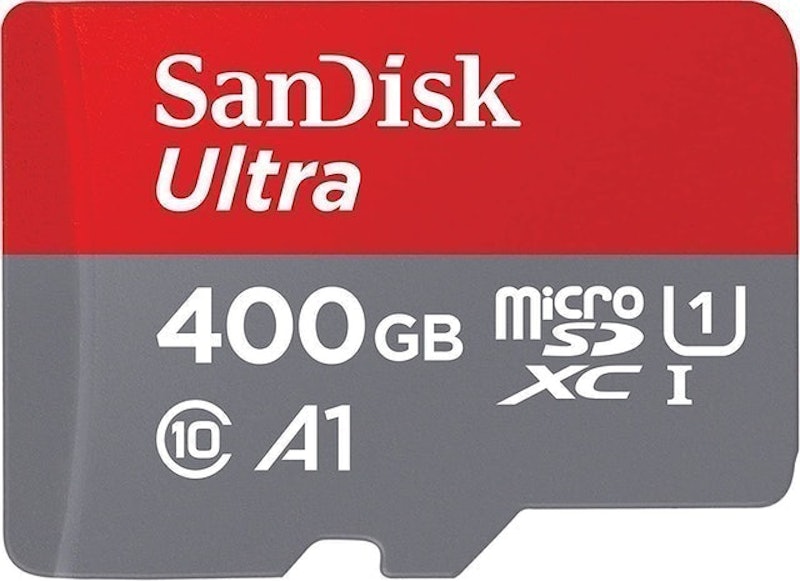
It can be difficult to estimate how much memory you'll need for your Nintendo Switch. It's tricky to strike the balance between buying an SD card that has sufficient memory and not spending over the odds on a card with way more capacity than you'll ever use.
The SanDisk Ultra 400 GB is a happy medium. In all likelihood, you'll probably never use all of its 400 GB capacity, but you can rest easy knowing that you're covered, and that you didn't have to spend an extortionate amount of money on space you'll never fill!
SanDiskExtreme 1TB MicroSDXC Card | 1 TB
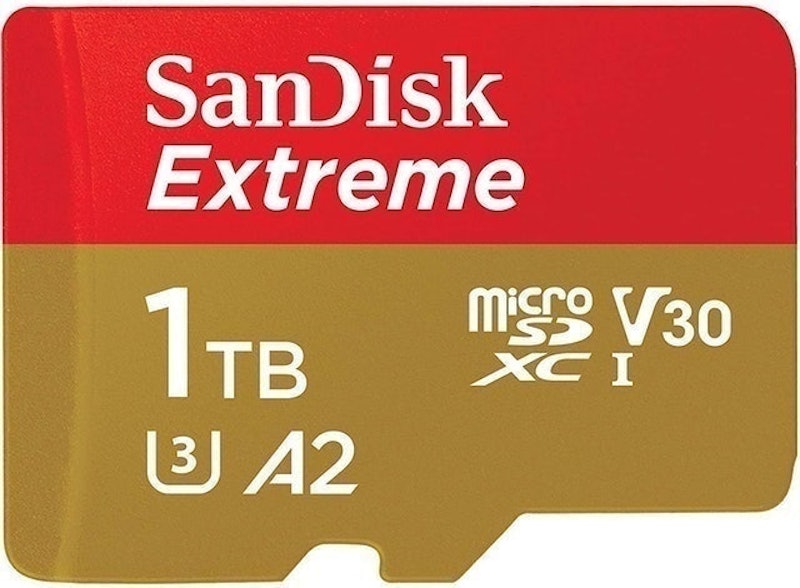
Wow. 'Extreme' is one way of describing such a large memory capacity. Getting the SanDisk Extreme 1 TB, and pretty much guarantees that you'll never run out of space. Some may argue that the price is also extreme, even for that much memory, particularly as you'll probably never use it all.
The Extreme somewhat makes up for this, however, with its astonishingly fast 160mb p/s reading speeds. If you're a hardcore Switch gamer who yearns for high capacity and fast loading times, it'll be worth every penny.
SamsungEVO Plus MicroSDXC Card | 256 GB
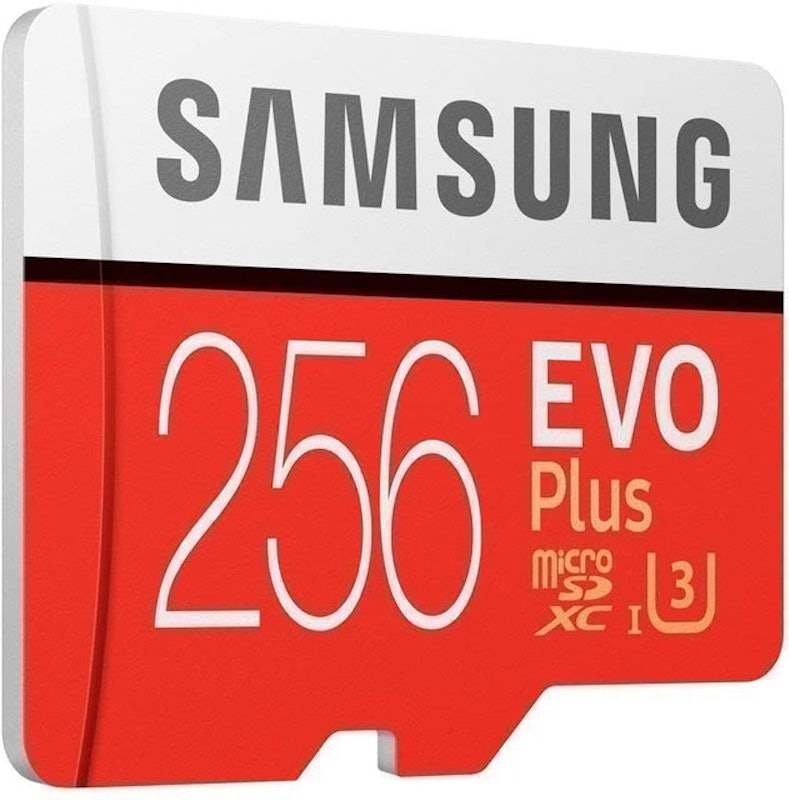
256 GB is four times the minimum amount we recommended in our buyer's guide, so the Samsung Evo Plus should be more than enough for all but the most frequent downloaders. Fortunately, this much memory comes at a highly reasonable price.
The card's 95mb p/s reading speed is ever-so-slightly lower than its competitors, but not enough that you'll notice any difference, and you get 10 years warranty to make up for it. All in all, this is a solid mid-range choice.
KingstonCanvas Select Plus Memory Card | 64 GB
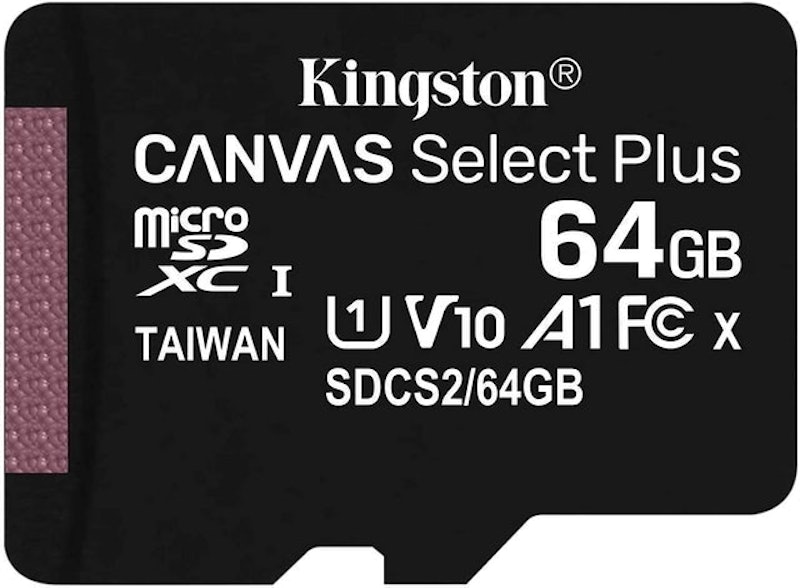
Its 64 GB may pale in comparison to some of the other microSD cards that are now available, but it's hard to complain at this price, especially when you're also getting lifetime warranty.
We mentioned in our buying guide that we recommend 64 GB as a minimum and, at under £15, Kingston's Canvas Select Plus is an affordable way of testing the waters to see if this is sufficient or if you should seek a higher capacity card.
SanDiskExtreme Pro Micro SDXC Card | 64 GB
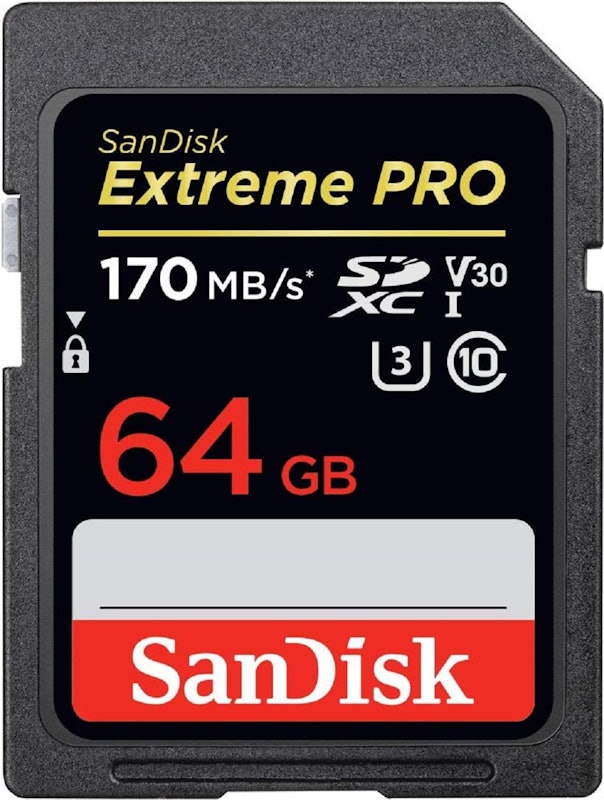
At a lowly 32 GB, this low capacity model of the SanDisk Extreme Pro leaves a lot to be desired where memory is concerned, but it more than makes up for this with its extremely high transfer speeds.
With read speeds of up to 170mb p/s, the Extreme Pro is one of the fastest microSD cards on the market, making it ideal for using with multiple devices. You won't have a lot of room to store multiple Switch games at once, but if you're a casual player who's also an avid photographer, this card will be perfect for you.
Frequently Asked Questions
Can You Use Any SD Card for the Switch?
Nintendo themselves advise that any microSD, microSDHC or microSDXC card is supported, as well as UHS-1 compatible cards with transfer speeds of no less than 60-95 MB per second.
How Many Digital Games Can a Switch Hold?
The standard Switch and Switch Lite come with 32GB of onboard storage, while the new OLED model has 64GB. Games vary in size, so it's impossible to give exact figures, but for reference, it's worth knowing that Pokemon Sword requires 11.3 GB of space, while Breath of the Wild takes up 14.4 GB.
What's the Max Size SD Card for a Nintendo Switch?
As long as an SD card is Nintendo Switch compatible, there are no limits to how much memory it can have. SD cards range in size from a couple of gigabytes all the way up to colossal terabyte models that cost hundreds of pounds.
Written and researched by Ben Willimett
The descriptions of each product are referenced from content available on manufacturer, brand, and e-commerce sites.